Label Compare
for life sciences review
See every change between two versions of a label, carton or leaflet, in the same place your team reviews and approves it

See every change between two versions of a label, carton or leaflet, in the same place your team reviews and approves it
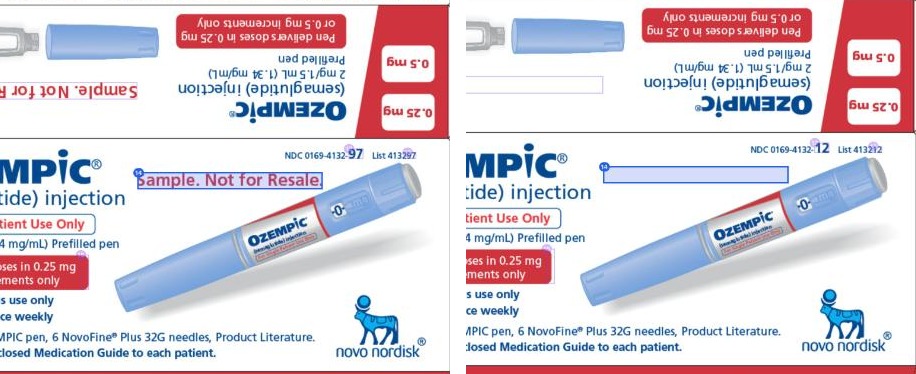


A label can change in ways a text check never catches: a strength in a new place, a logo nudged, a picture swapped, a line of small print dropped. Papercurve compares the artwork itself, so those changes are outlined and listed next to every edit to the wording. Select a change to see a close-up of the old and new versions together.
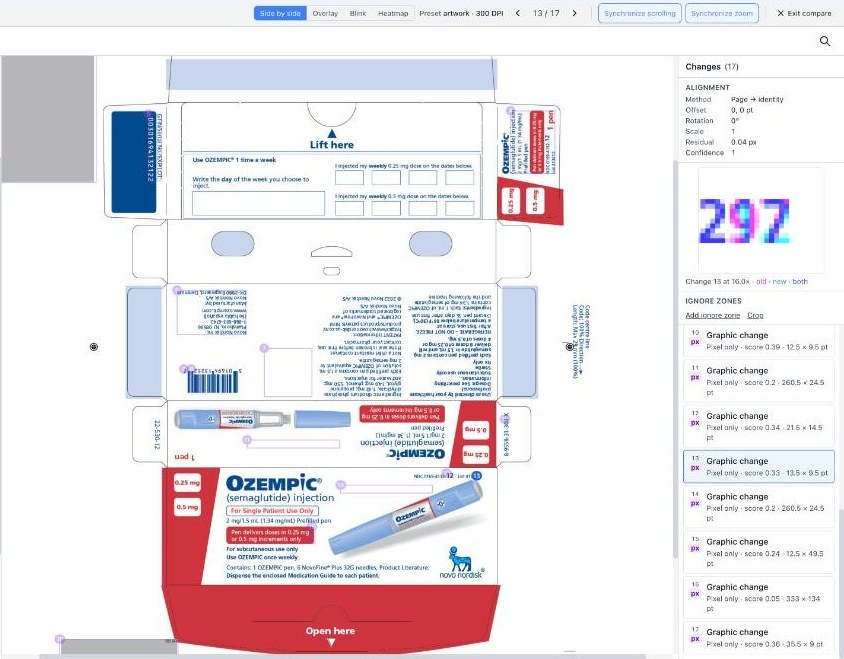
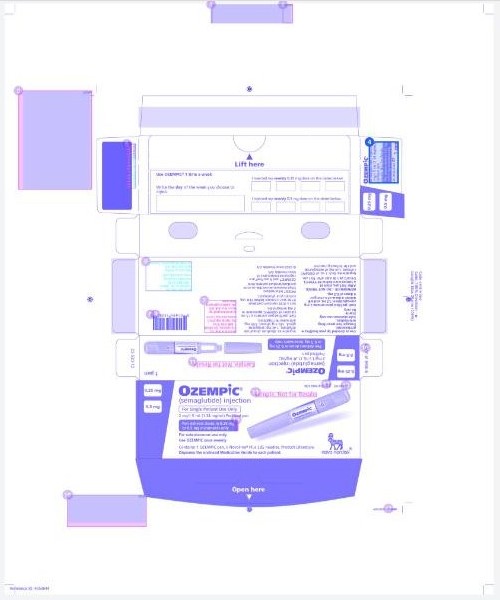
Read both versions side by side. Lay one over the other to check that nothing has shifted. Blink between them so a small change flickers. Or switch to the heatmap and see where a busy carton has changed before you read a word.
Lot numbers, expiry dates and printer marks differ in every file and are not real changes. Draw an ignore zone around them and they are set aside, still visible but out of your way. Or crop to a single panel and compare only that.
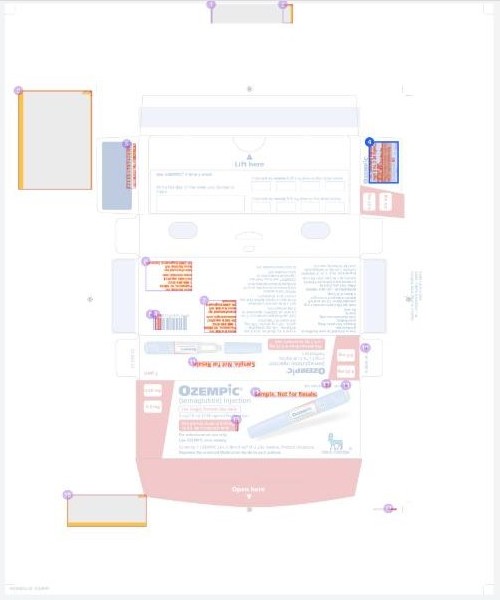
Label Compare shows you every difference between two versions: wording, numbers, images, logos, colours and layout. It does not judge colour against a print standard, grade barcodes or read braille, and it does not replace your review. It makes sure nothing changes without you seeing it.
See Label Compare on your own artwork, and how it fits the way your team reviews and approves content.


